Paste any YouTube cooking video — even ones with no talking or transcript — and get a smart recipe with step-by-step guidance, built-in timers, and a grocery list you can send to Instacart, text to a friend, or check off at the store.

Watch how ChefsClips turns a cooking video into a guided recipe in seconds.
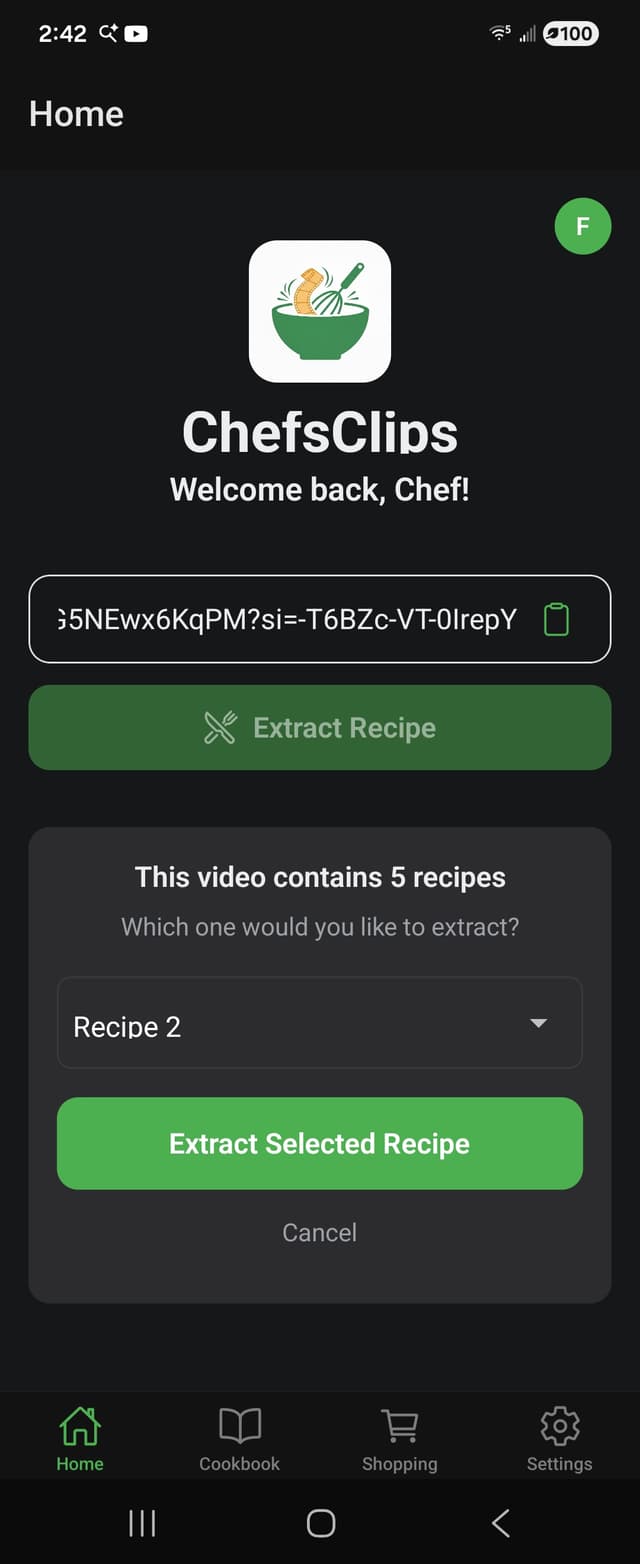
Drop any YouTube cooking video URL into the app.
Ingredients, steps, and timers — pulled automatically.
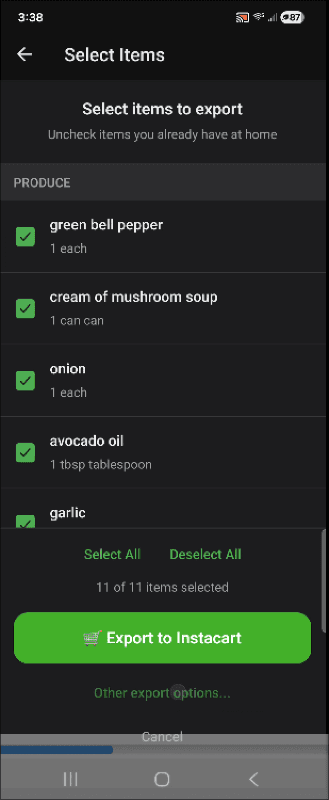
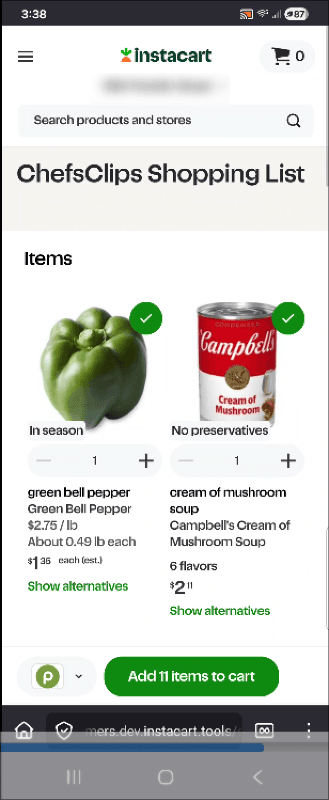
Send your list to Instacart, text it, or check off in-store.
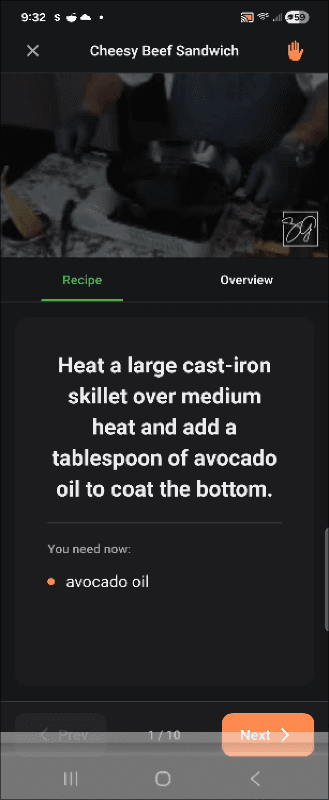
Follow along step-by-step with built-in timers.
No more rewinding. No more scribbling ingredients on scraps of paper. ChefsClips handles the boring parts so you can focus on cooking.
Cooking compilation with five recipes? No problem. ChefsClips detects every recipe in a video and lets you choose the one you want. No more scrubbing through a 20-minute video to find the right timestamp.

Send your ingredient list straight to Instacart for delivery, use the built-in checklist at the store, text it to your partner who's already out shopping, or export it by email. However you shop, ChefsClips has you covered.


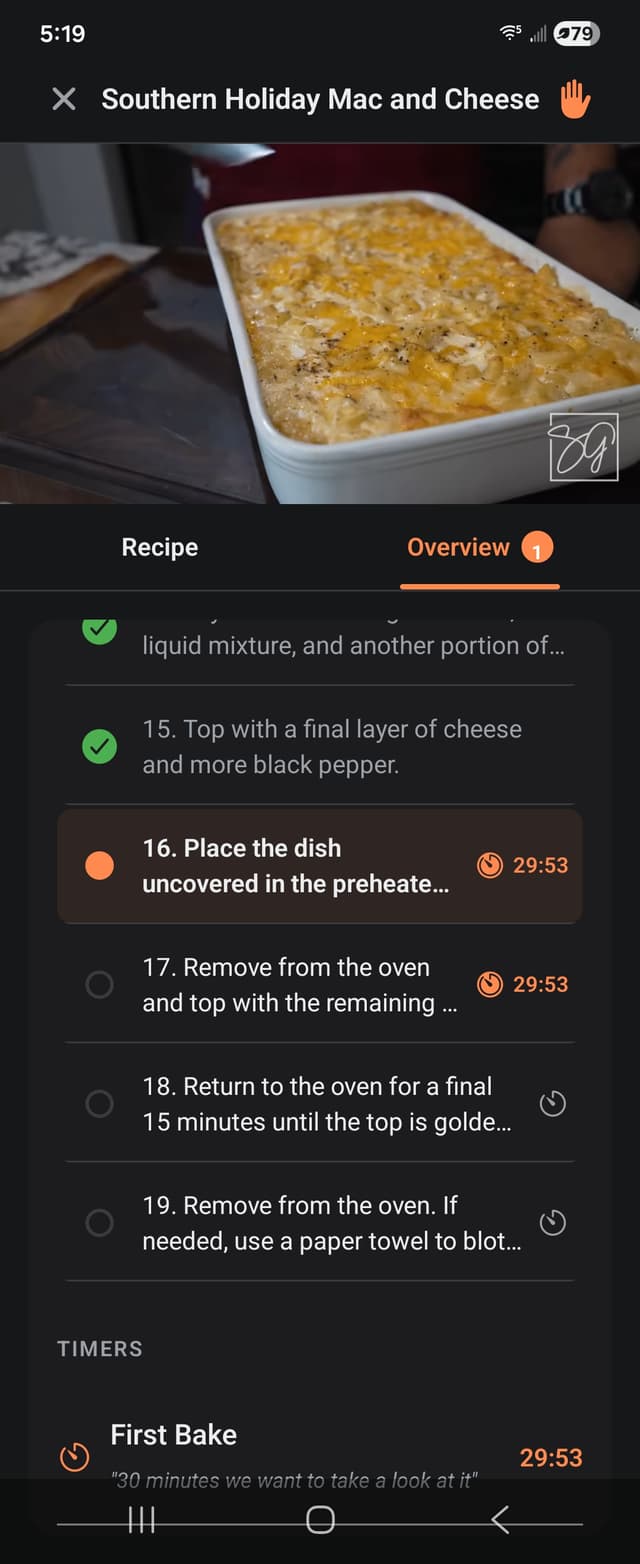
Follow along step-by-step in guided mode with large, easy-to-read instructions and smart timers that know exactly when to start. Switch to overview mode to see your full progress and every timer at a glance. No stress, just cooking.


No transcript? No voiceover? No problem. ChefsClips uses AI vision to watch the video and extract ingredients and steps directly from what's shown on screen. Short-form clips, compilation reels, silent cooking montages — they all work.
ChefsClips is built on real feedback from real kitchens — not focus groups.
After being diagnosed with Celiac Disease, I had to relearn how to cook — and YouTube became my kitchen teacher. But the process of actually cooking from a video was terrible. ChefsClips is the tool I needed.
Read the full story →Join the launch list and be the first to turn your saved recipe videos into real meals.
Simple. Savory. Sweet…
ChefsClips